
How to Reopen / Restore Closed Tabs in ANY Browser (Chrome, Safari, Firefox) – No Extension or Tools
Devin Schumacher is an entrepreneur, internet personality, author, music producer, philanthropist & founder of SERP.
Ever accidentally closed a tab and wished there was an undo button? Good news: you can restore closed tabs instantly using just a keyboard shortcut—no extensions or third-party tools needed.
In this guide, you’ll learn how to reopen closed tabs on Chrome, Safari, and Firefox, whether you're on Mac or Windows.
🔁 The Magic Shortcut
On Mac:
Reopen last closed tab:
Shift+Command+TOpen new tab:
Command+TClose current tab:
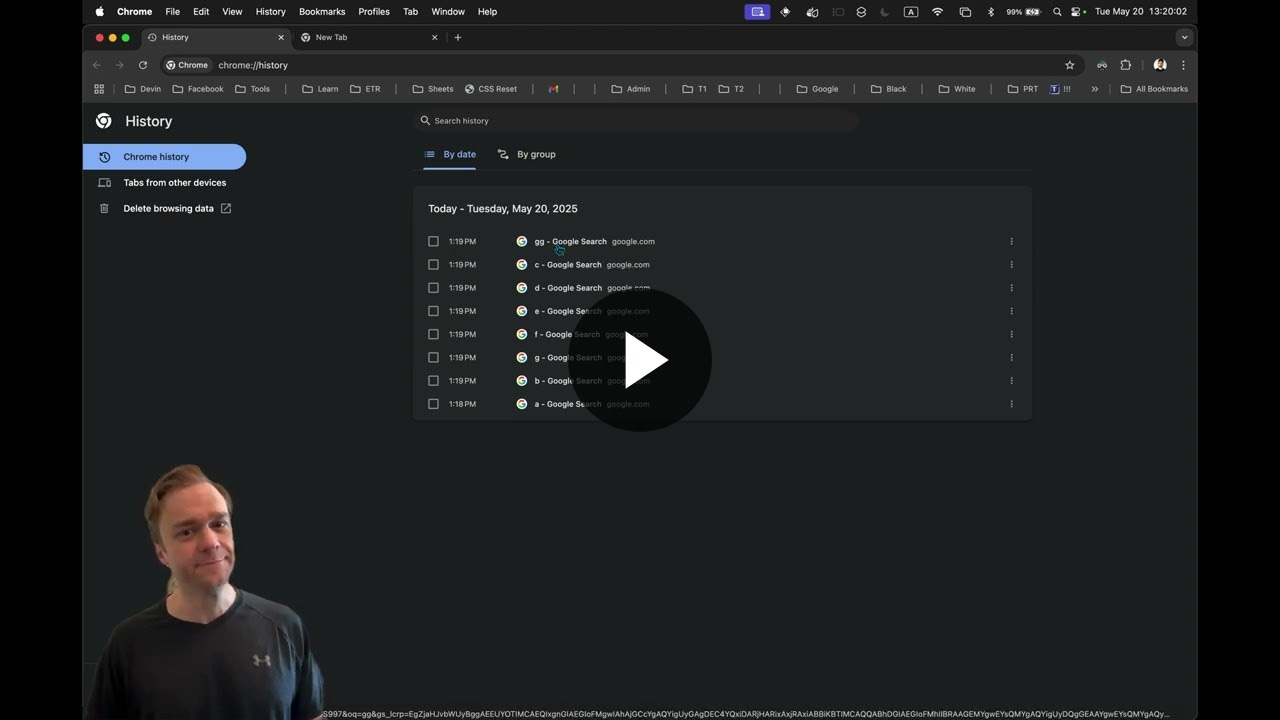
Command+WShow full history (Chrome):
Command+Y
On Windows:
Reopen last closed tab:
Ctrl+Shift+TOpen new tab:
Ctrl+TClose current tab:
Ctrl+WShow full history (Chrome):
Ctrl+H
🧪 Demo Walkthrough
Step-by-step (on Mac):
Open a few tabs: Press
Command + T, then search something (e.g., "A", "B", "C", etc.).Close them: Use
Command + Wto close individual tabs.Oops! Closed too many?
HoldShift + Command + Tto reopen tabs in reverse order—last closed tab opens first.
For example: If you closed tabs C, then B, then D — they will reopen in order D → B → C.
- Repeat: You can keep pressing the shortcut to reopen more closed tabs, all the way back through your session history.
🧭 Browsers Covered
✅ Chrome
Works reliably.
Reopens tabs even if history is empty.
Use
Command + Yto view full history.
✅ Safari
Same hotkeys apply.
Closing with
Command + Wand reopening withShift + Command + Tworks as expected.
✅ Firefox
Same hotkeys also work here!
Bonus: Firefox has a “Recently Closed Tabs” section under
History, where you can reopen individual tabs or all at once.
🤓 Pro Tips
Undo tab close instantly: If you just closed a tab by accident, don’t reach for your mouse—use the shortcut immediately.
Understand tab memory: This reopening trick works because browsers store recently closed tabs in local memory, not in the cloud or with extensions.
Hotkey behavior: Often, adding
Shiftto a shortcut does the opposite (e.g., open vs. reopen a tab).


